Getting Started
Welcome to SmarterMail! Get ready to launch your email in seconds 🚀🚀🚀. This guide will walk you through every step.
Login with your postmaster account
Check your inbox for your postmaster login credentials. they were sent to the same address as your billing email.
Tip
See initial setup for the email you should look for/expect in your inbox.
Important: Complete DNS verification first, without it, nothing will work.
Create your first email account
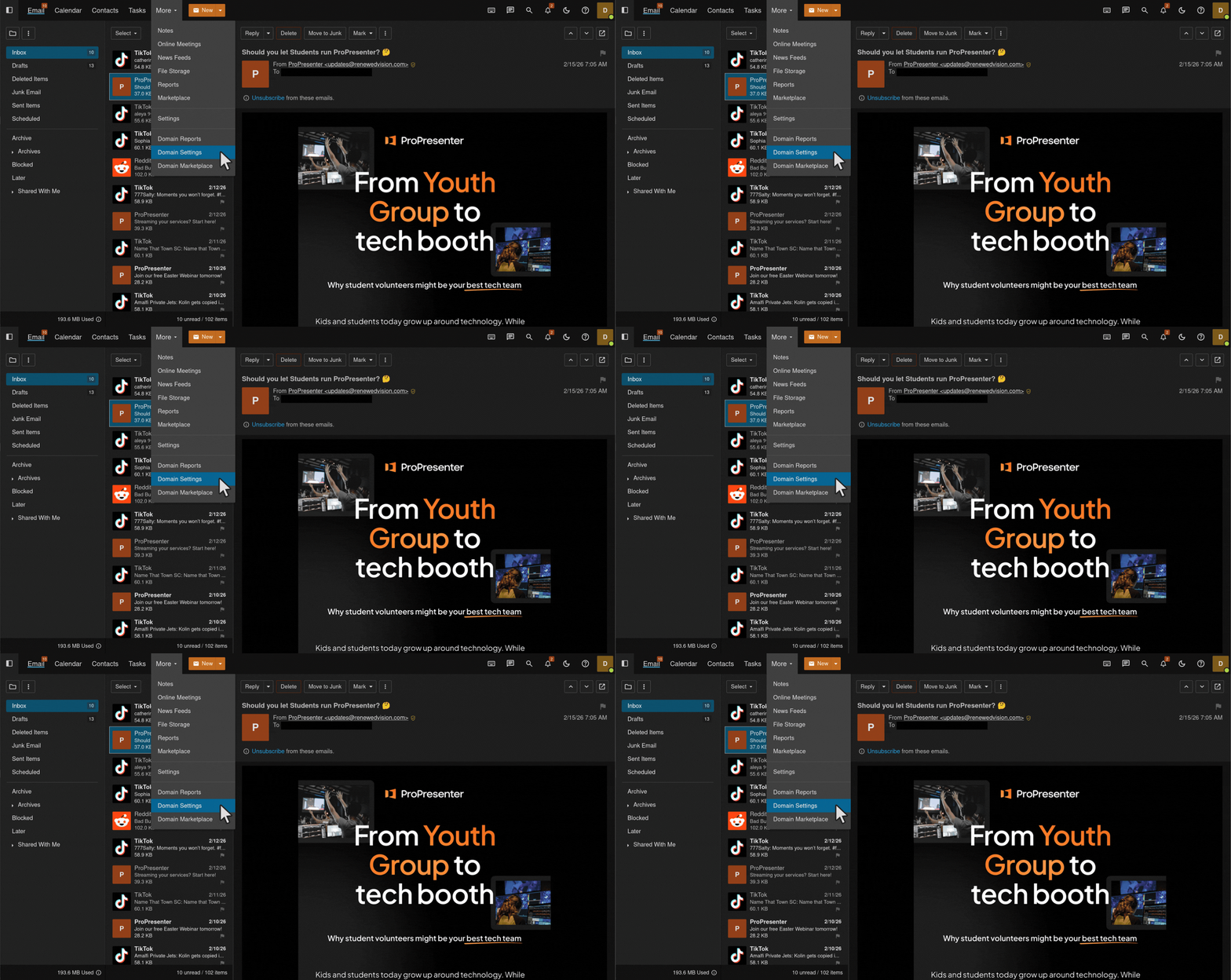
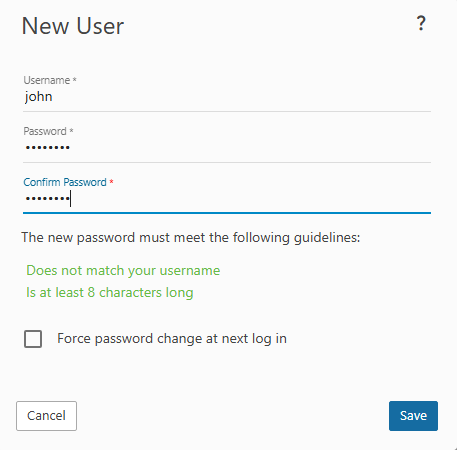
Once logged in, head to the “More” section and select “Domain Settings”. Click “New”, fill in your username and password, then click “Save” to create your account.
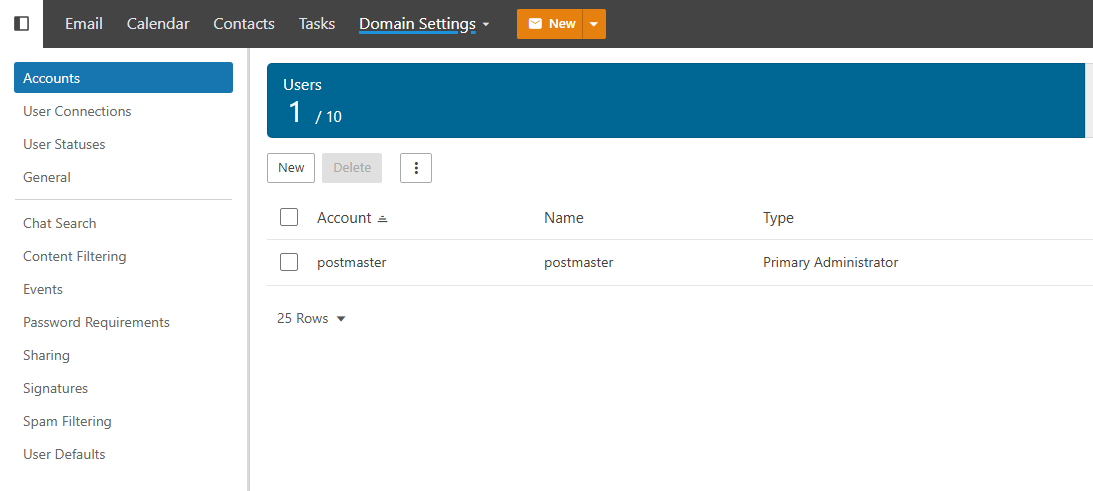
Your new account will appear on the Accounts page automatically.
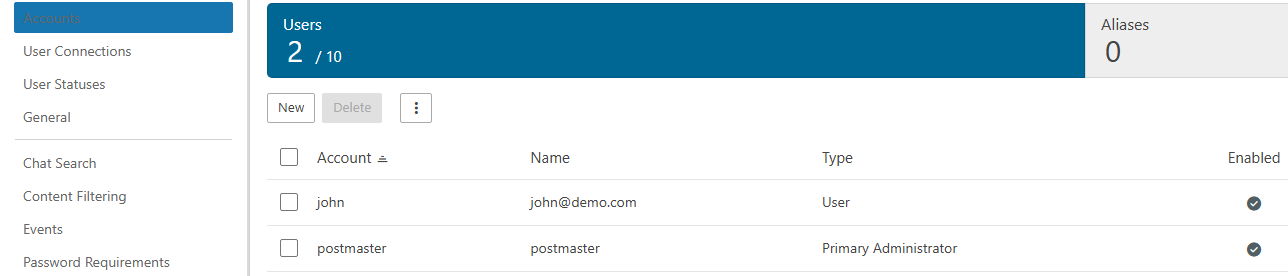
Boom, that’s it! Your first email account is ready to go.
Domain Administrator Privilages
Want to make someone a domain administrator? Just click on the user you want to edit and toggle the domain administrator button.
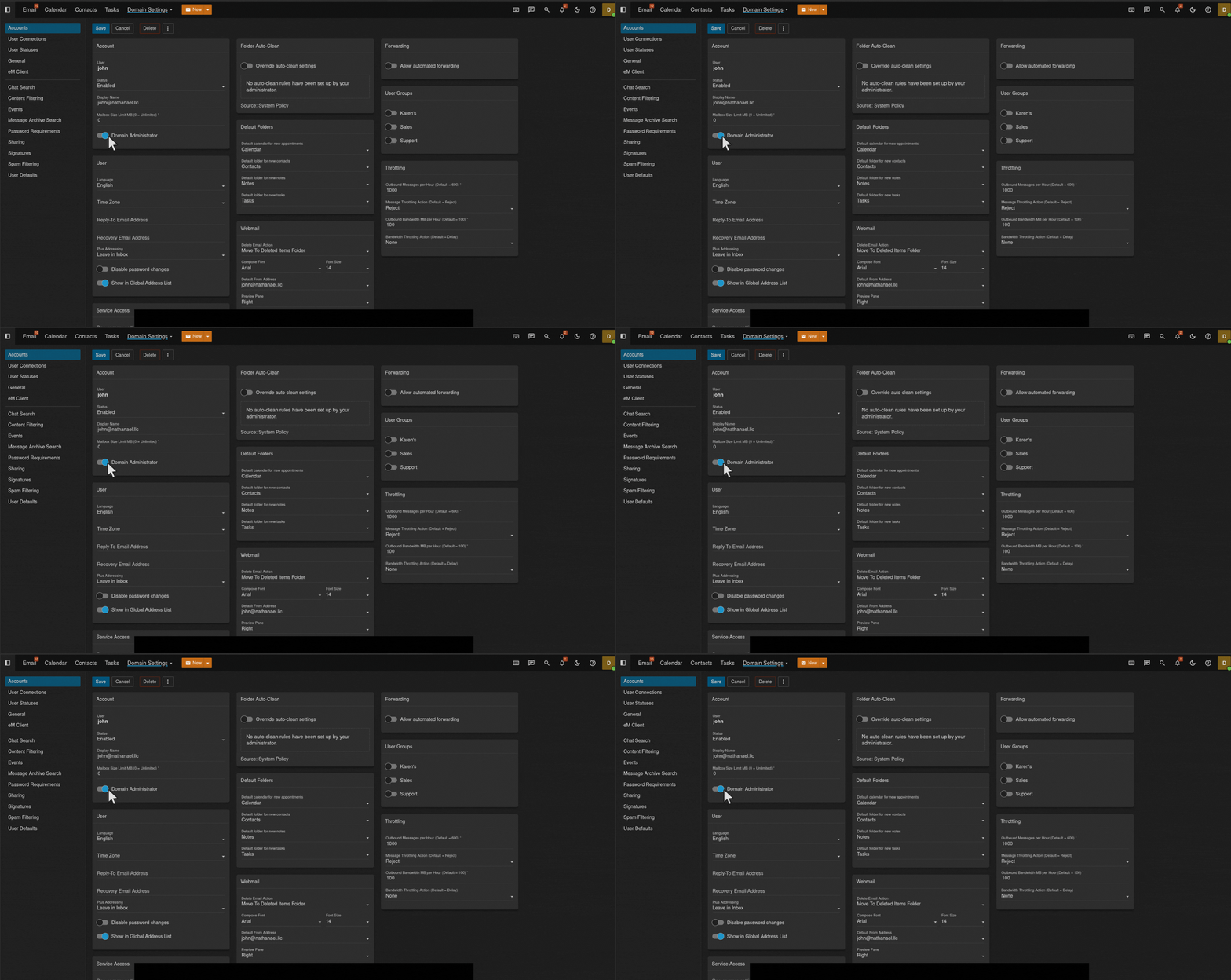
Make sure to click save!
Need Help?
Questions? Our support team is ready to assist. Reach out anytime.