Creating Catch-All Mailbox
What’s a Catch-All?
A catch-all alias is basically your domain’s safety net—any email sent to any unknown address at your domain gets intercepted and forwarded to this single alias. Typo in the address? Unknown recipient? Spam bot guessing random combinations? All caught and routed to the same place.
Warning
Real talk: Catch-alls are a double-edged sword. They’ll catch legitimate misdirected mail, but they’ll also catch everything—including a tsunami of spam. You could end up with massive disk usage and inbox chaos. Think twice before enabling this.
Setting Up Your Catch-All
Create a Designated Alias
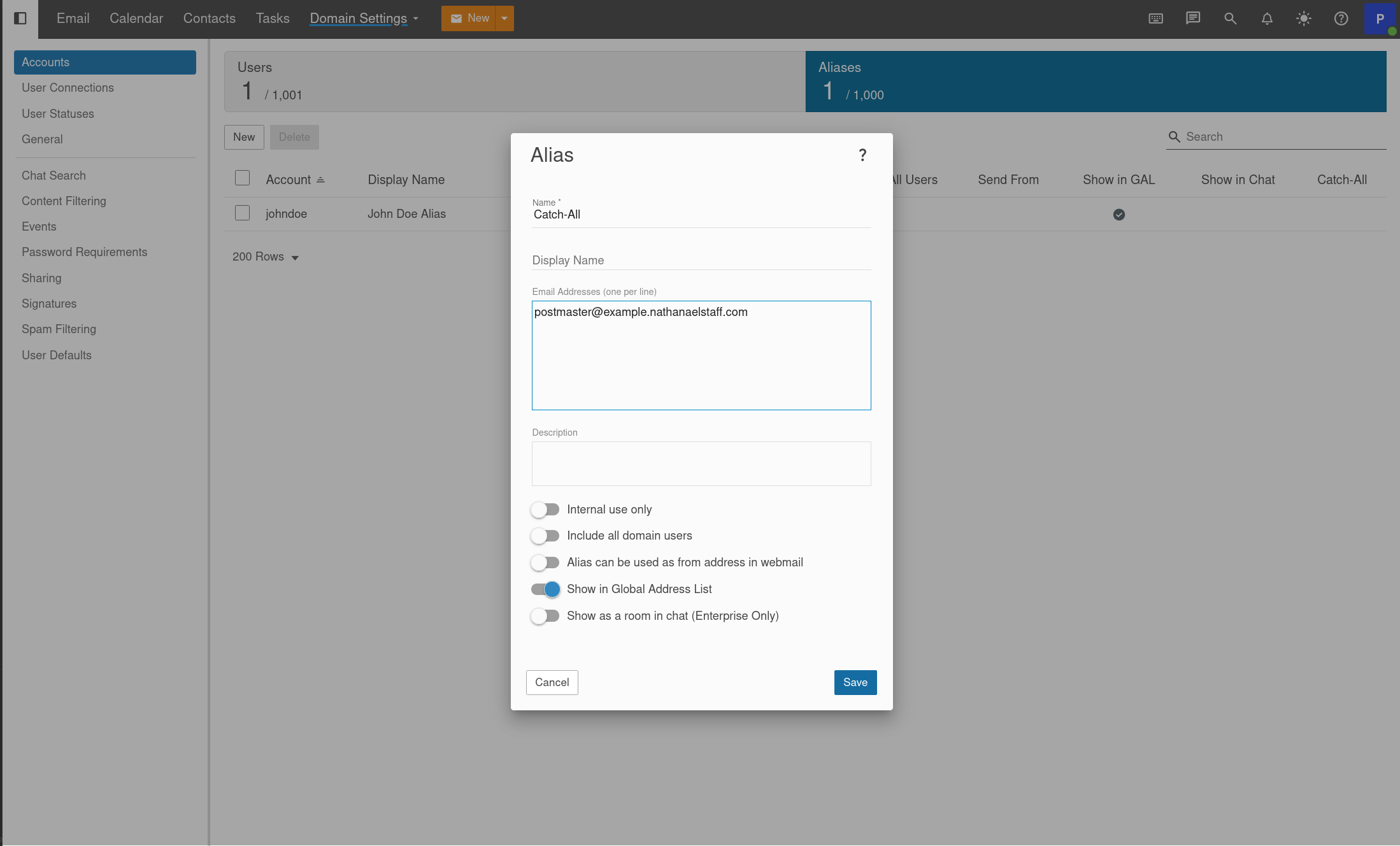
First, you need an alias to act as your catch-all destination. Head to the Aliases section and create a new one (doesn’t matter what you call it, something like catchall is fine).
Assign It in Domain Settings
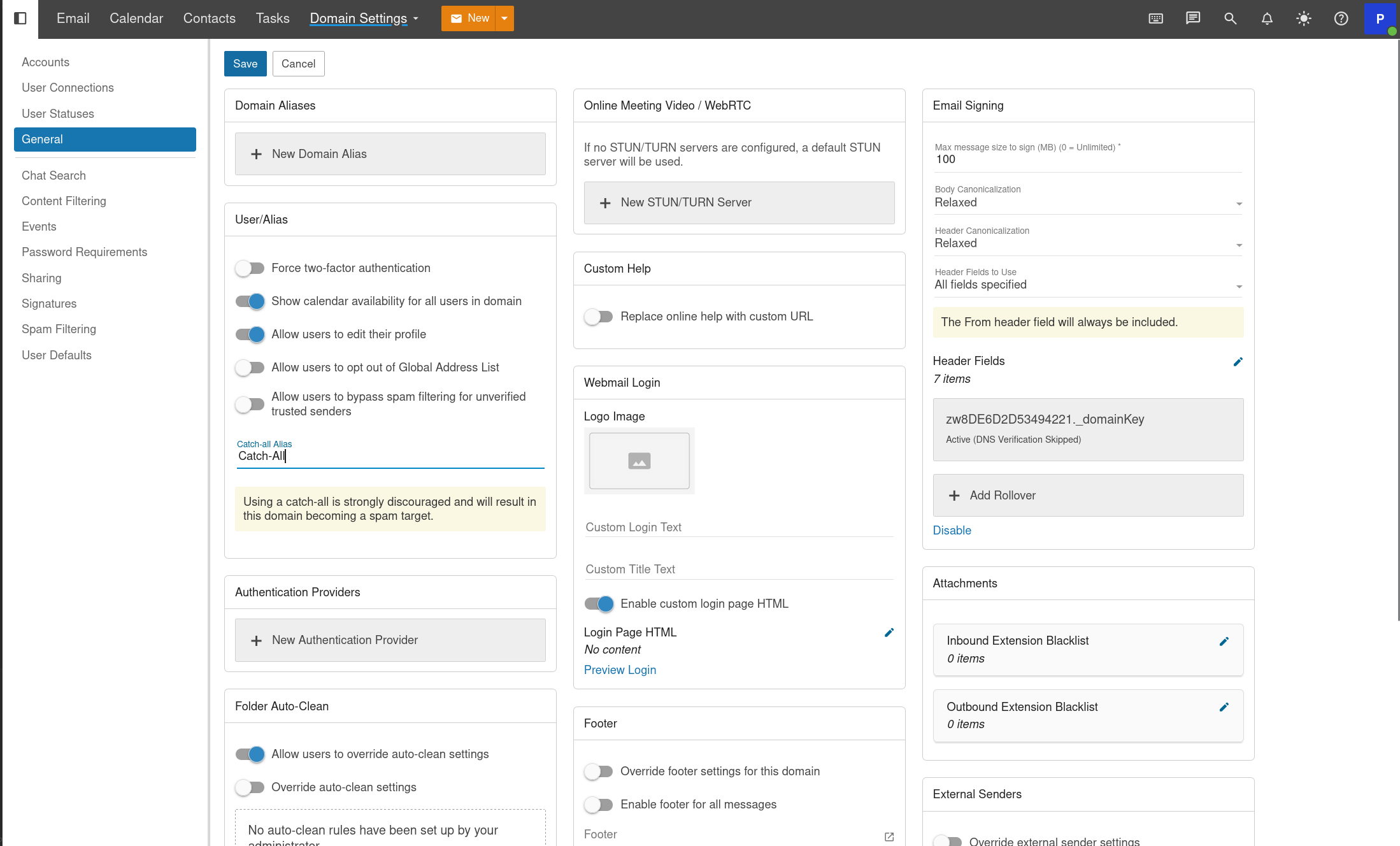
Go to General settings, and under User/Alias, select the alias you just created as your catch-all.
Verify
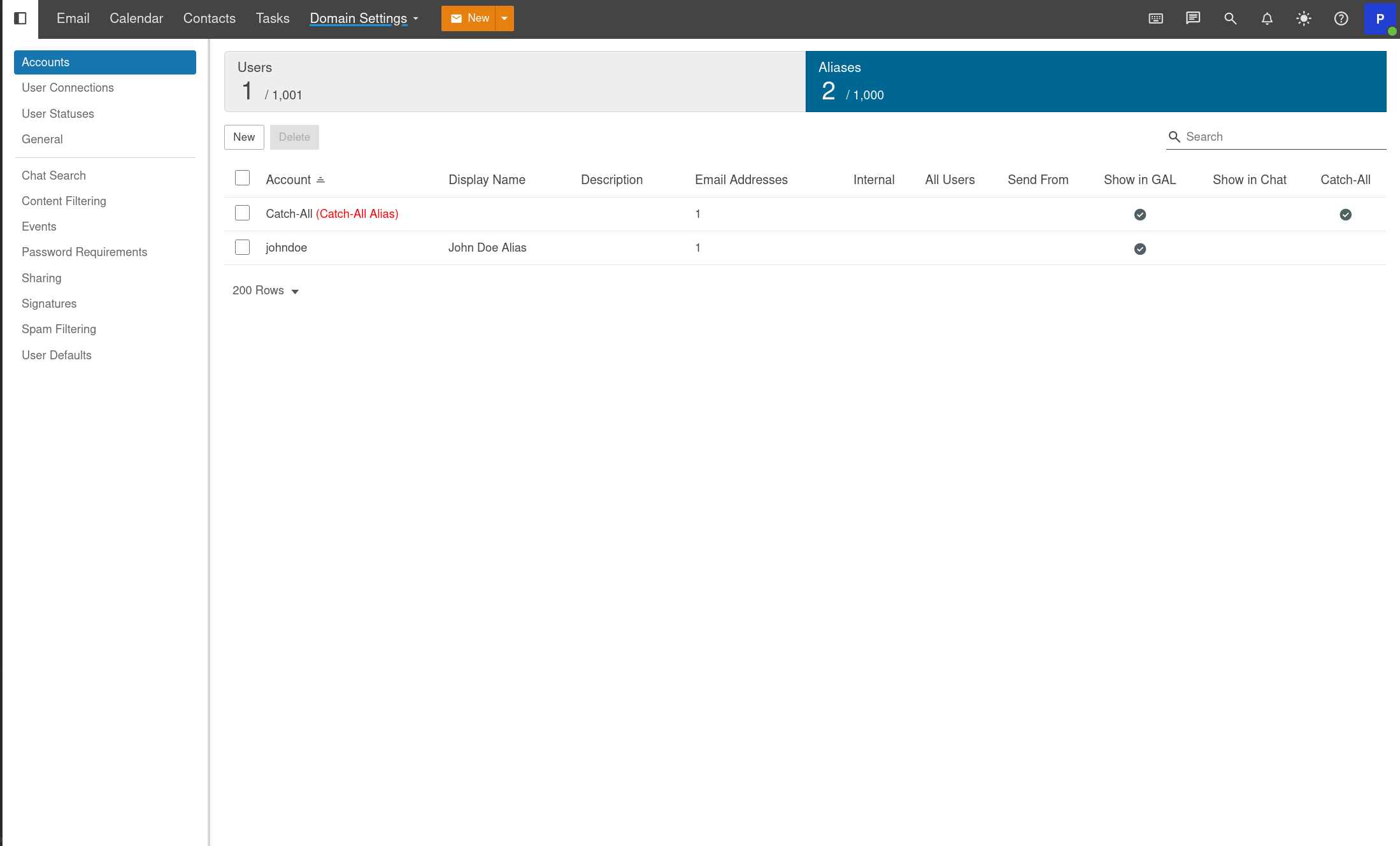
Head back to your Aliases page and look for (Catch-All Alias) next to your chosen alias. When you see it, you’re live, all undeliverable mail is now being routed.