Setting Up Tasks
What Are Tasks?
Tasks is a built-in to-do list that helps you manage and track things you need to complete. You can create tasks with titles, descriptions, due dates, priorities, and reminders, as well as update their status and percentage of completion as you make progress.
Creating a Task
Click on Tasks on the top of the mail page.
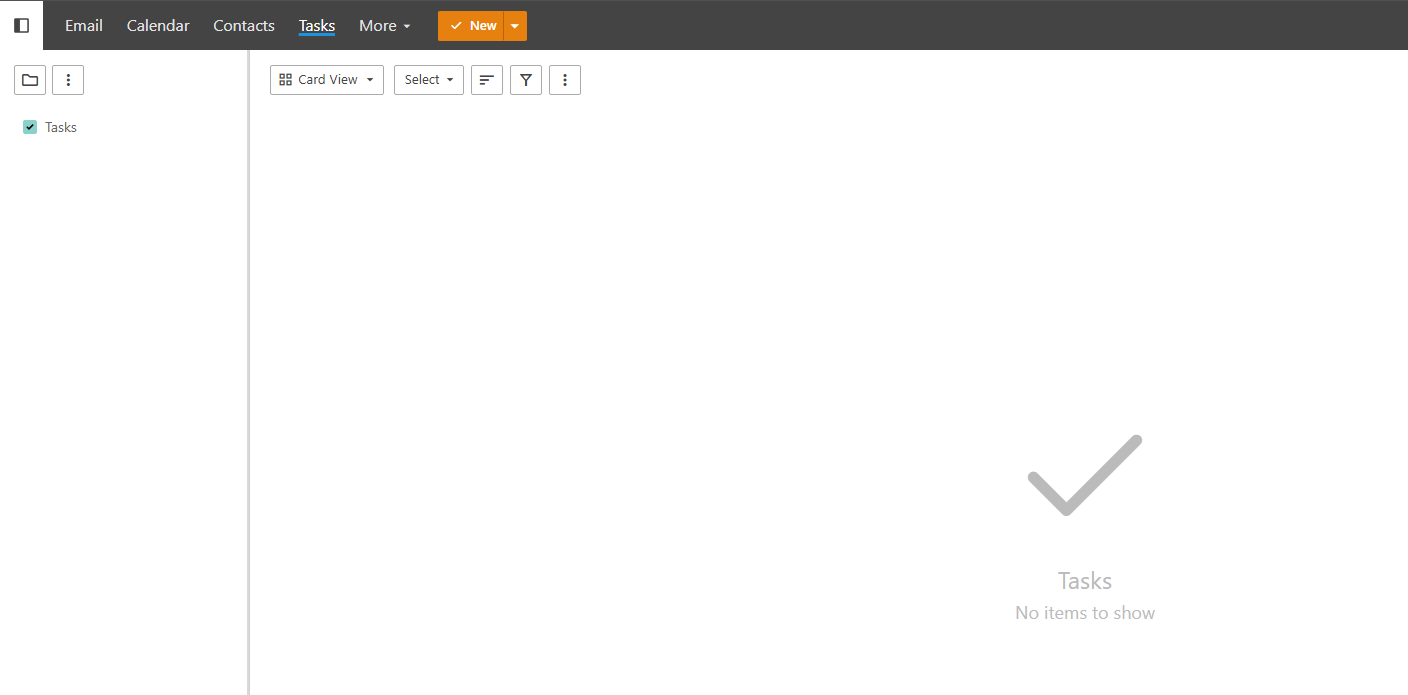
Click New to create a task. A window will pop out for you to fill in the details.
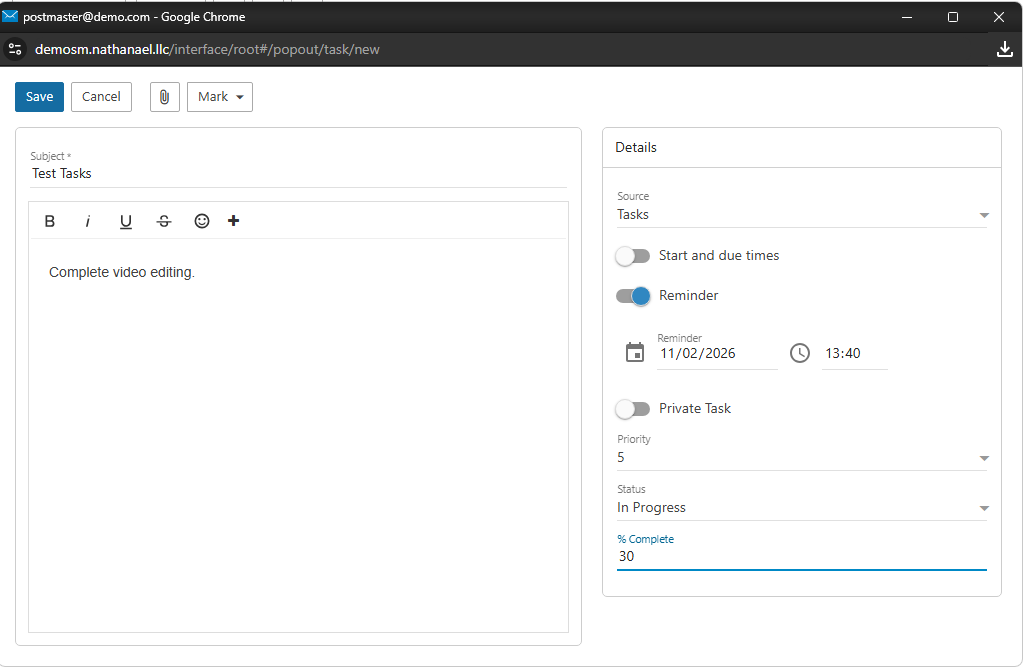
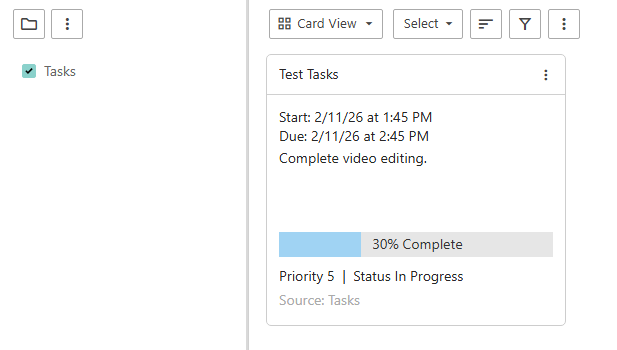
Click Save. Your task will now appear in the Tasks page.