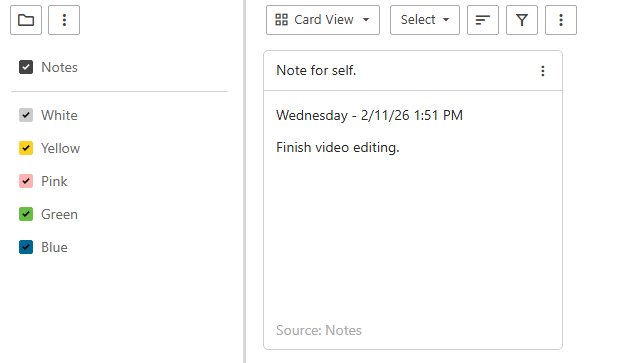
Creating Notes
What Are Notes?
Notes is a simple feature for storing quick information like reminders, reference details, drafts, or important text you want to keep handy. Think of it as a built-in digital notepad inside your mail system.
Creating a Note
Click on Notes in the top left of the mail page.
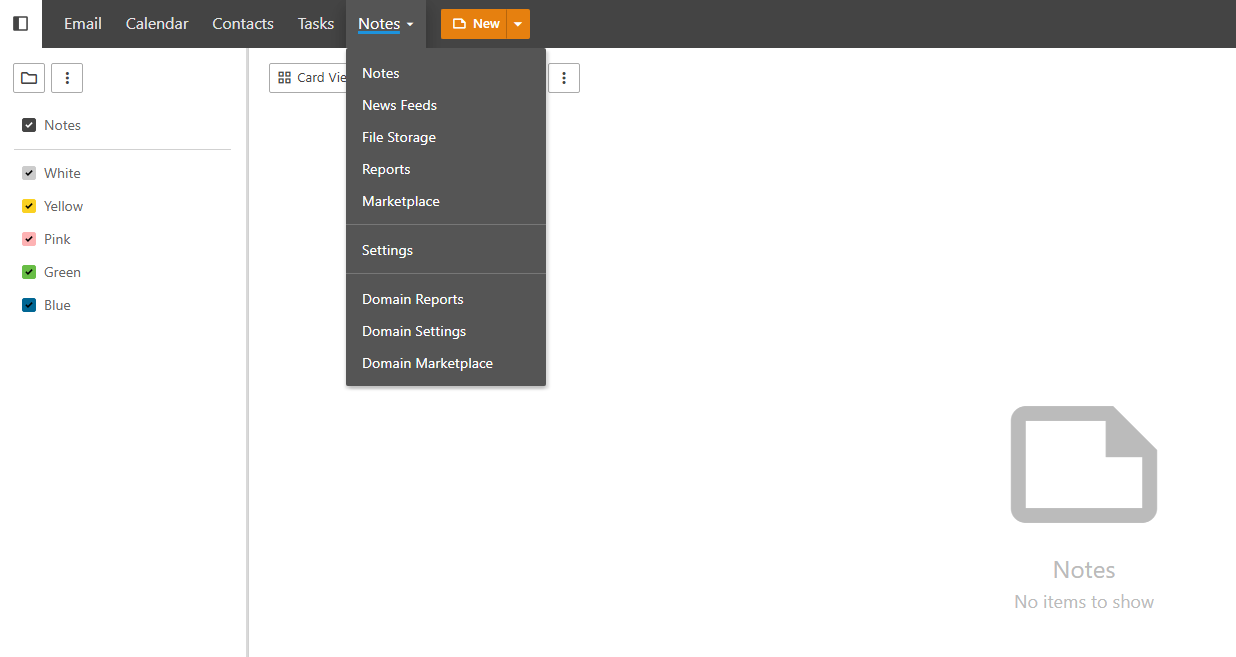
Click New to create a note and fill in the details.
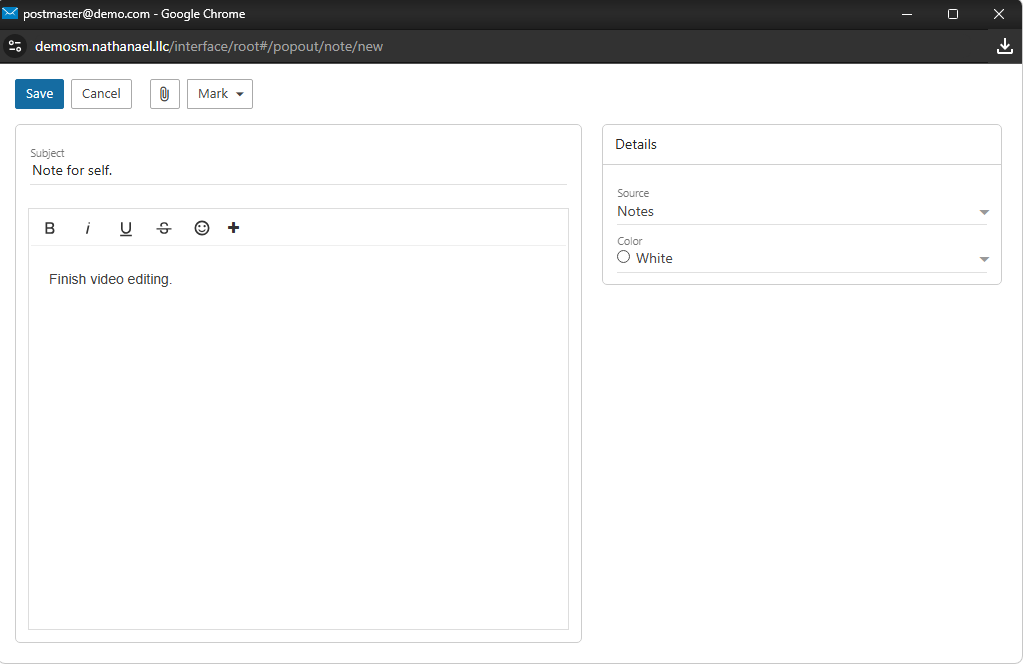
Click Save. Your note will now appear in the Notes page.