File Storage
What Is File Storage?
File Storage is a built-in cloud drive inside your mail system. It lets you upload, store, and organize files in folders so you can access them from anywhere you log in — no third-party service needed. It’s useful for keeping files you frequently attach to emails, sharing documents with teammates, or just having a convenient place to store files tied to your work.
Accessing File Storage
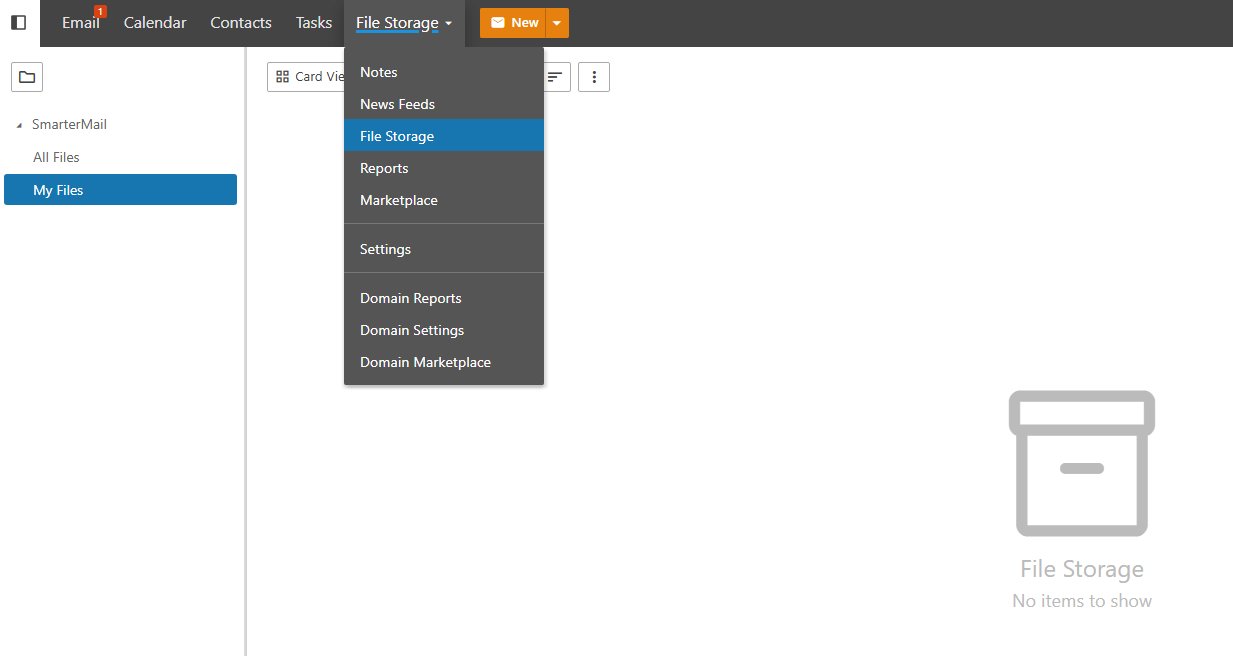
Click on File Storage in the top bar menu.
Uploading a File
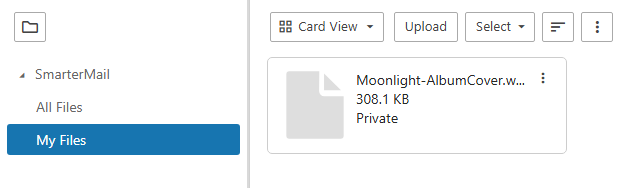
Click Upload and select the file you want to store from your device.

Once uploaded, the file will appear in the main File Storage page.
Deleting Files
To remove a file, select it and click Delete. Keep in mind that deleted files count toward freeing up your storage quota, so it’s good practice to clean up files you no longer need.