Creating Contacts
What Are Contacts?
Contacts let you save frequently used email addresses for quick access across SmarterMail. Once saved, contacts can be used when composing new emails, starting a chat, and more — no need to remember or type out addresses every time.
Creating a New Contact
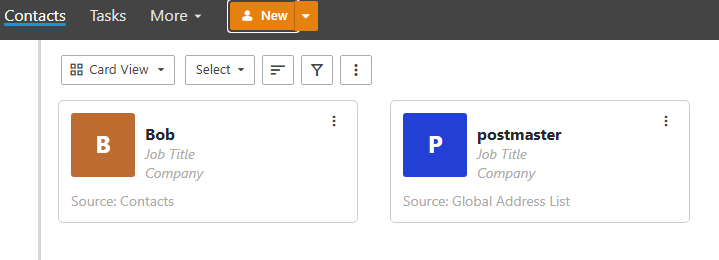
Click on Contacts in the top left corner of the mail page.
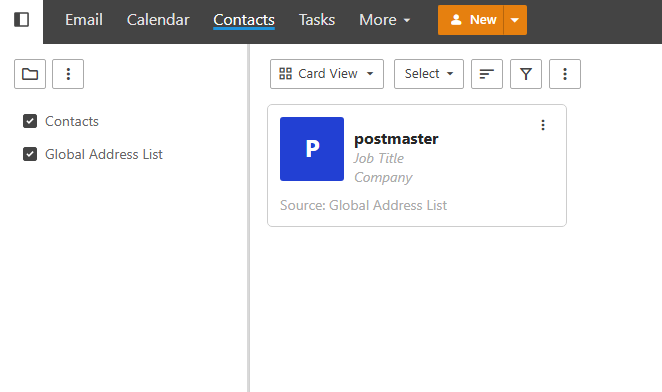
Click New to create a new contact. A window will pop out prompting you to fill in the contact’s details.
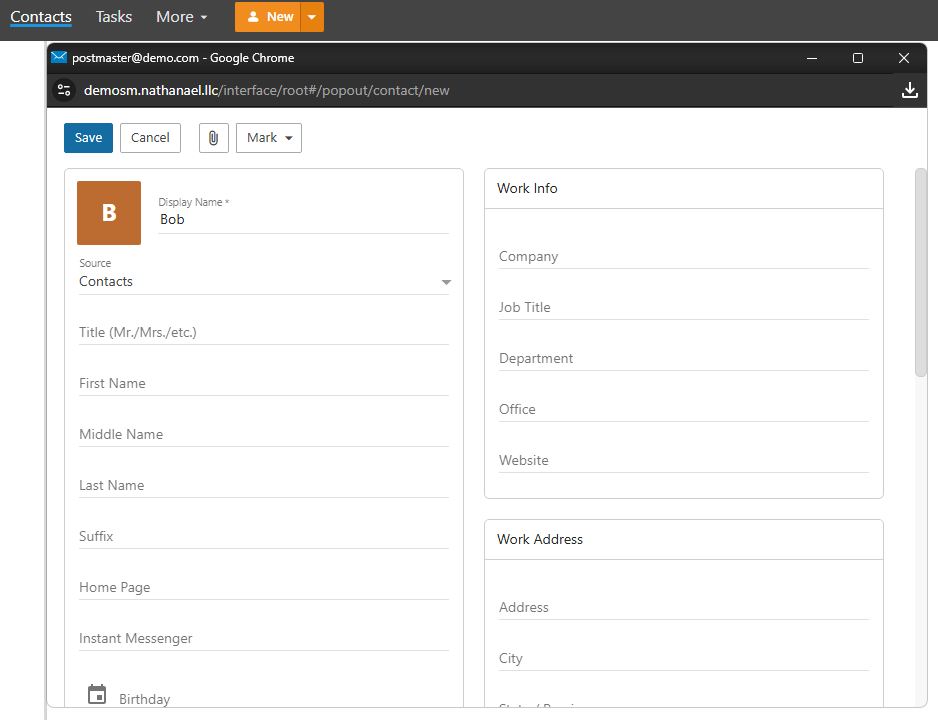
Fill in the details, then click Save. The contact will now appear in your Contacts list.