Connectivity Settings
What Are Connectivity Settings?
Connectivity Settings let you pull email from external mail accounts directly into SmarterMail. This is useful if you’re migrating from another email provider, or if you want to consolidate multiple inboxes into one place without logging in and out of different services.
You can also add external SMTP accounts so you can send email from those addresses directly within SmarterMail.
Accessing Connectivity Settings
Click on Settings in the top bar.
Select Connectivity from the left-hand sidebar.
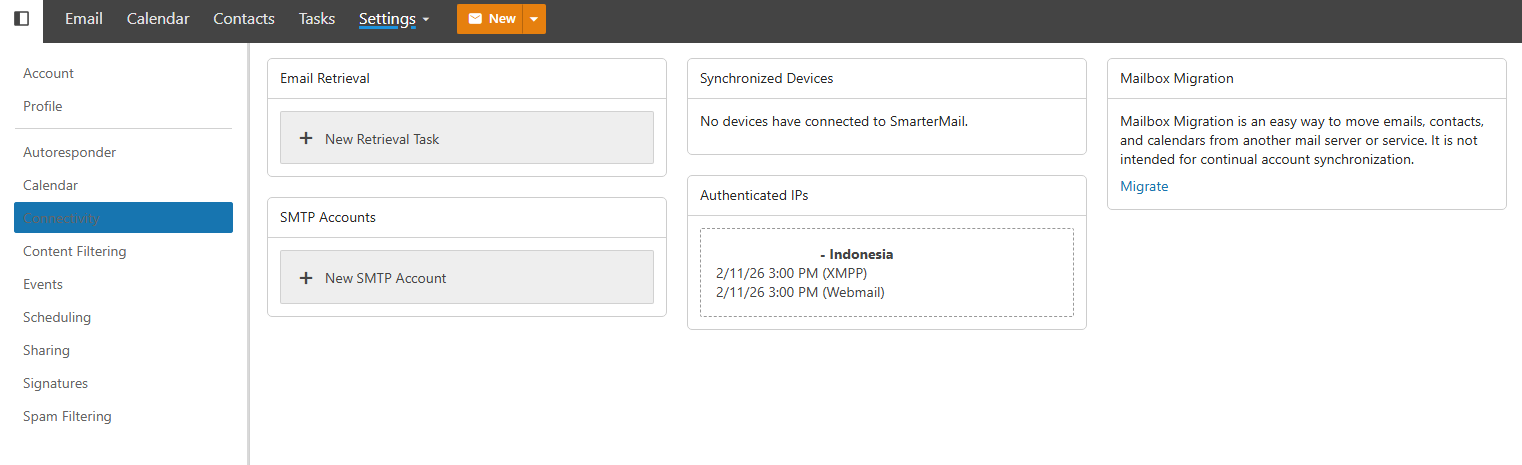
Setting Up a Mail Retrieval Task
A retrieval task connects SmarterMail to an external mail account and pulls messages from it into your inbox.
Click New Retrieval Task.
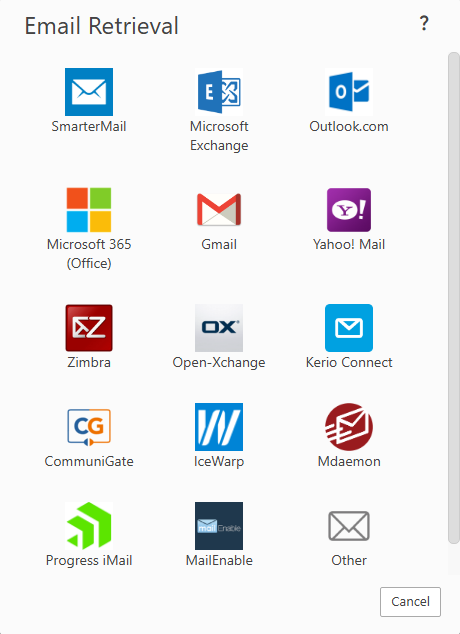
Fill in the details of the external account, including the incoming mail server (IMAP or POP3), port, your email address, and password.
Click Save. SmarterMail will begin retrieving messages shortly — how long it takes depends on how much mail is being migrated.
Note
If you’re migrating a large mailbox, the initial retrieval may take some time. Subsequent checks will only pull in new messages that have arrived since the last sync.
Adding an External SMTP Account
An SMTP account lets you send email from an external address using SmarterMail as your interface, so recipients see the message as coming from your other account.
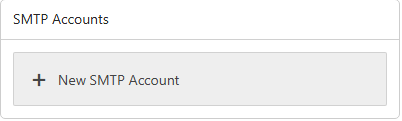
Click New SMTP Account.
Enter the outgoing mail server details, including the SMTP host, port, your email address, and password.
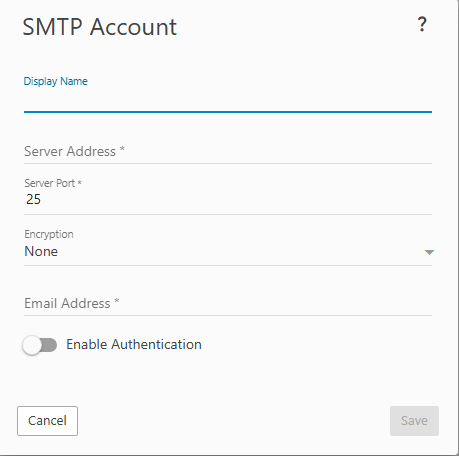
Click Save. The external address will now be available as a “From” option when composing new emails.
Tips
- Use IMAP over POP3 for retrieval tasks if your external provider supports it. IMAP syncs messages bidirectionally and leaves mail on the server, while POP3 typically downloads and removes it.
- Check your external provider’s settings to make sure IMAP/POP3 access is enabled — many providers like Gmail require you to turn this on manually in their account settings.
- Use app-specific passwords if your external account uses two-factor authentication, as your regular password may not work with IMAP/SMTP connections.